Keep the best.
Clear the extras.
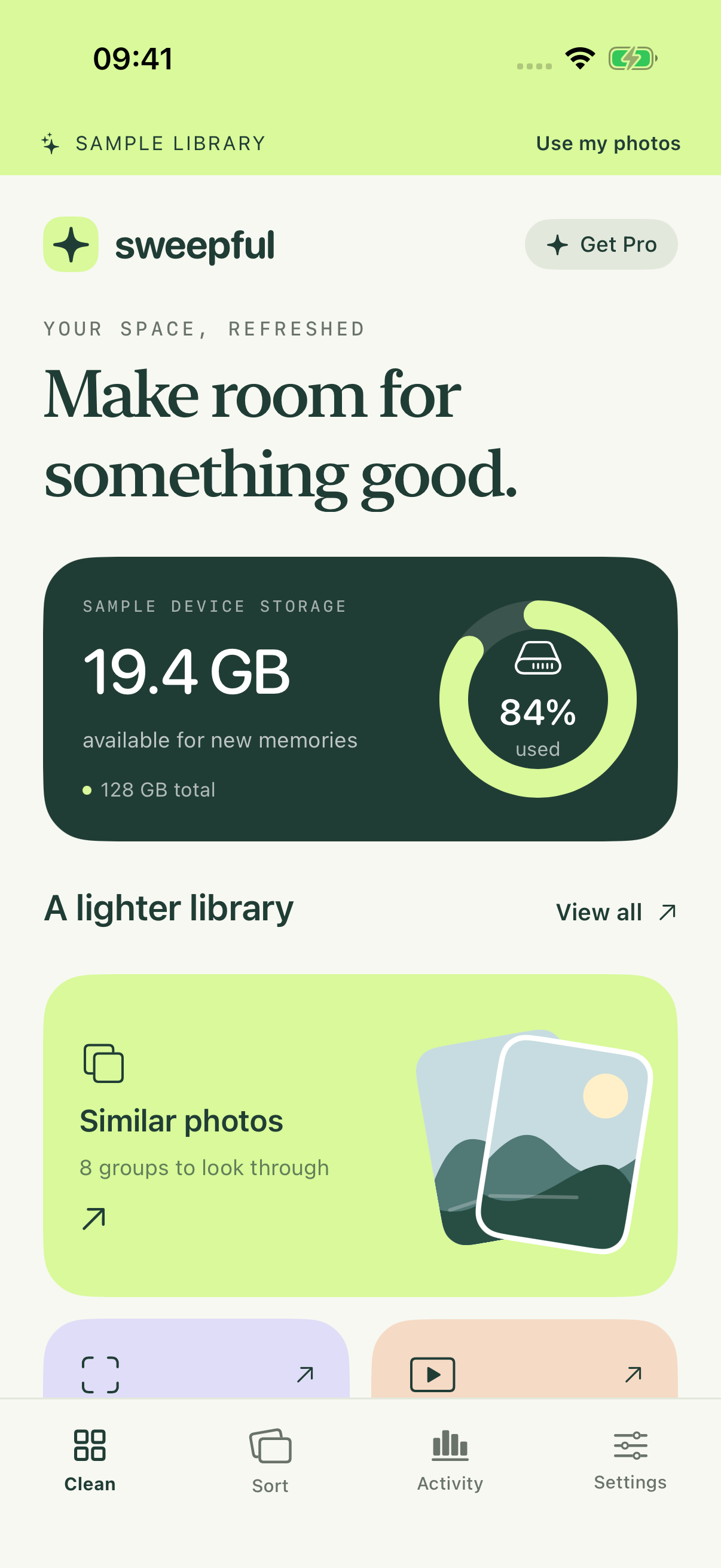
See similar photos together and take a closer look before choosing. Favorites stay protected, with at least one photo kept in each group.
 sweepful
Your space, refreshed
Keep the moments you love. Sweepful helps you find the extra photos, forgotten screenshots and large videos taking up room.
Meet your lighter libraryThoughtful cleanup. You choose what stays.
A little less to scroll through
A calmer way to look through your camera roll, one good decision at a time.
See similar photos together and take a closer look before choosing. Favorites stay protected, with at least one photo kept in each group.
Swipe to keep a memory or queue it for review. Undo your last choice whenever you need to. Swiping alone never deletes a photo.
Preview photos and play videos before letting go. Review your selection, then confirm with Apple Photos when you’re ready.
Photo analysis happens on your iPhone. Sweepful doesn’t upload your photos or videos for analysis, and you don’t need a Sweepful account.
Read our privacy policy ↗We’re preparing Sweepful for the App Store. It isn’t available for public download yet. The download link will appear here when it launches.
Yes. The current app offers free scans and previews, plus up to 50 photo or video removals in total per installation. Optional Sweepful Pro subscriptions unlock unlimited ongoing cleanup. Available plans and full prices will appear in the app before purchase.
Sweepful works with the photos and videos you authorize in Apple Photos. It cannot clear other apps, system caches or all device storage. The current visual scan checks up to 3,000 recent photos and compares moments taken within five minutes. Media sizes are estimates; actual space recovered can differ.
You confirm your selection with Apple Photos. If you use iCloud Photos, deletion applies to devices using that library. Deleted items normally remain in Recently Deleted for up to 30 days, so storage may not be freed immediately.
Yes. You can grant limited Photos access and change it in iPhone Settings. You can also explore the app’s clearly labeled sample library without changing your real photos.